
Your photos are an inheritance too: preserving digital memories
The family photo album now lives in phones, clouds and old hard drives — behind passwords. How to make sure decades of memories survive you, and reach the people who will treasure them.
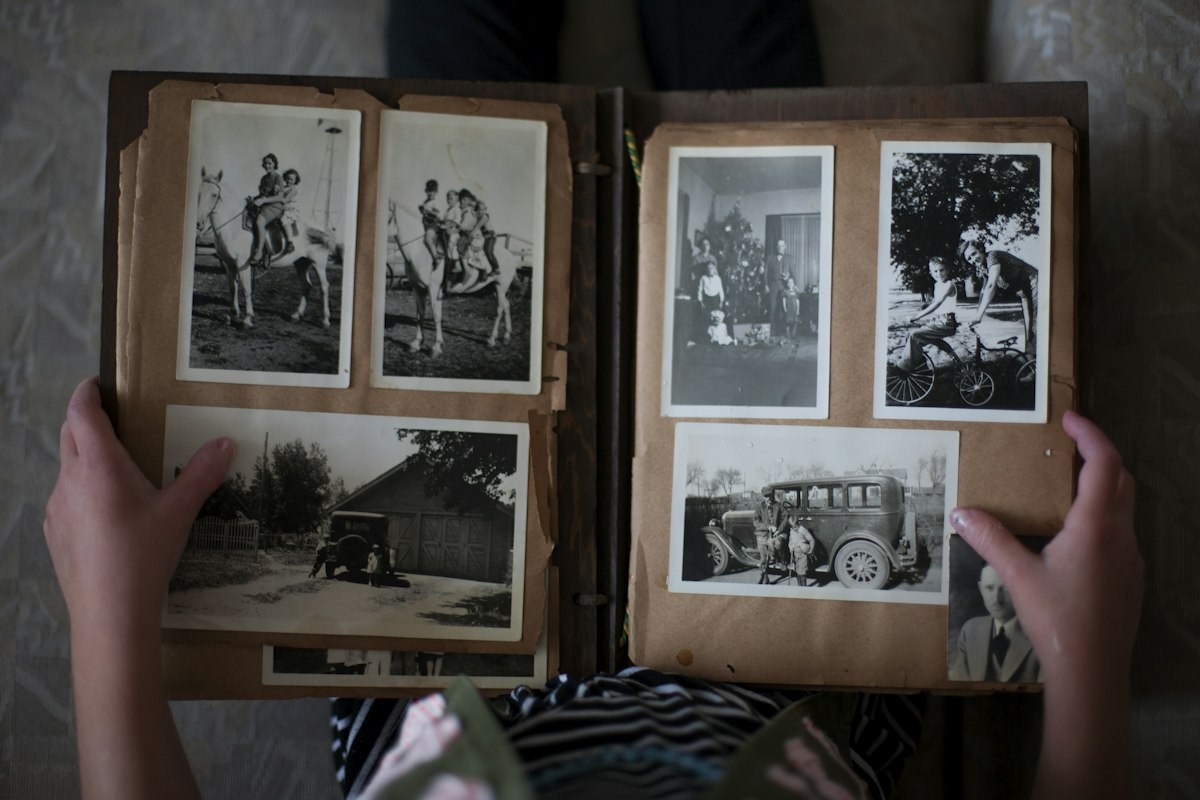
Digital photos and videos are often a family’s most emotionally valuable inheritance, but they are scattered across phones, cloud services and old drives, all protected by passwords. To preserve them: consolidate into one or two libraries, keep at least one offline backup, curate a small “essential” collection, set the platform legacy options, and record where everything is and how to access it in a place your family will receive.
- Memories have little market value and huge emotional value — and are the first thing families ask for.
- Fragmentation is the enemy: phones, clouds, old laptops, social media.
- Curate: a 200-photo “best of” is more likely to be cherished than 80,000 files.
- Plan access: libraries locked behind your account may be unreachable without preparation.
Our grandparents left shoeboxes of prints. We will leave something larger and more fragile: tens of thousands of images spread across devices and services, each behind a password, many in formats that may be hard to open in twenty years.
The four threats to digital memories
 Lock-outLibraries tied to your account, phone and second factor.
 FragmentationThree phones, two clouds, an old laptop, a camera card.
 Subscription lapseCloud storage that stops when the card on file is cancelled.
 OverloadSo many files nobody knows where to start.
A weekend project in five steps
- ConsolidateChoose one main library. Import from old phones, drives and memory cards.
- Back up offlineKeep at least one copy on an external drive stored somewhere safe — the classic advice is several copies, on different media, one off-site.
- Curate a “best of”One album per decade or per person, with names and dates in captions. Future generations won't recognise faces you take for granted.
- Set legacy optionsConfigure the legacy features of your photo platforms (Google, Apple, Meta: the legacy settings to switch on today (a 20-minute checklist)).
- Document accessWhere the library is, which account, which drive, which password — and who should receive what.
A photo without context fades. Record a few voice notes or captions: who, where, why it mattered. It is the part only you can provide.
Memories are assets — treat them that way
In OSTREON, add your photo libraries and drives as assets in the “memories” category: where they are, how to access them, which albums matter most. Attach a personal message. Assign each collection to the people who should receive it — the wedding album to one child, the travel photos to another. Everything is encrypted on your device and delivered only when the time comes.
Start your free month →Frequently asked questions
What happens to my photos in the cloud when I die?
They remain in your account, which your family may not be able to access unless you configured the platform’s legacy options or left access instructions. If the subscription lapses, storage may eventually be lost.
How can I preserve family photos for future generations?
Consolidate libraries, keep an offline backup, curate a smaller collection with captions, configure legacy settings and document access for your heirs.
Can my family access my iCloud or Google Photos after my death?
Yes, if you set up Apple Legacy Contact or Google’s Inactive Account Manager in advance; otherwise they must follow each provider’s deceased-user procedure, which may be limited.
How do I leave specific photo albums to specific people?
Record each collection, its location and access details as an asset in OSTREON and assign it to the person you choose, with a personal message.
This article is general information, not legal, tax or financial advice. Rules differ by country and change over time — check with a qualified notary, lawyer or adviser for your situation.