
The family “red folder”: what to put in it, on paper and online
Emergency planners call it a go-bag; families call it the red folder — one place with everything needed if something happens. Here is what to put in yours, and how to make a digital version that can’t be stolen.
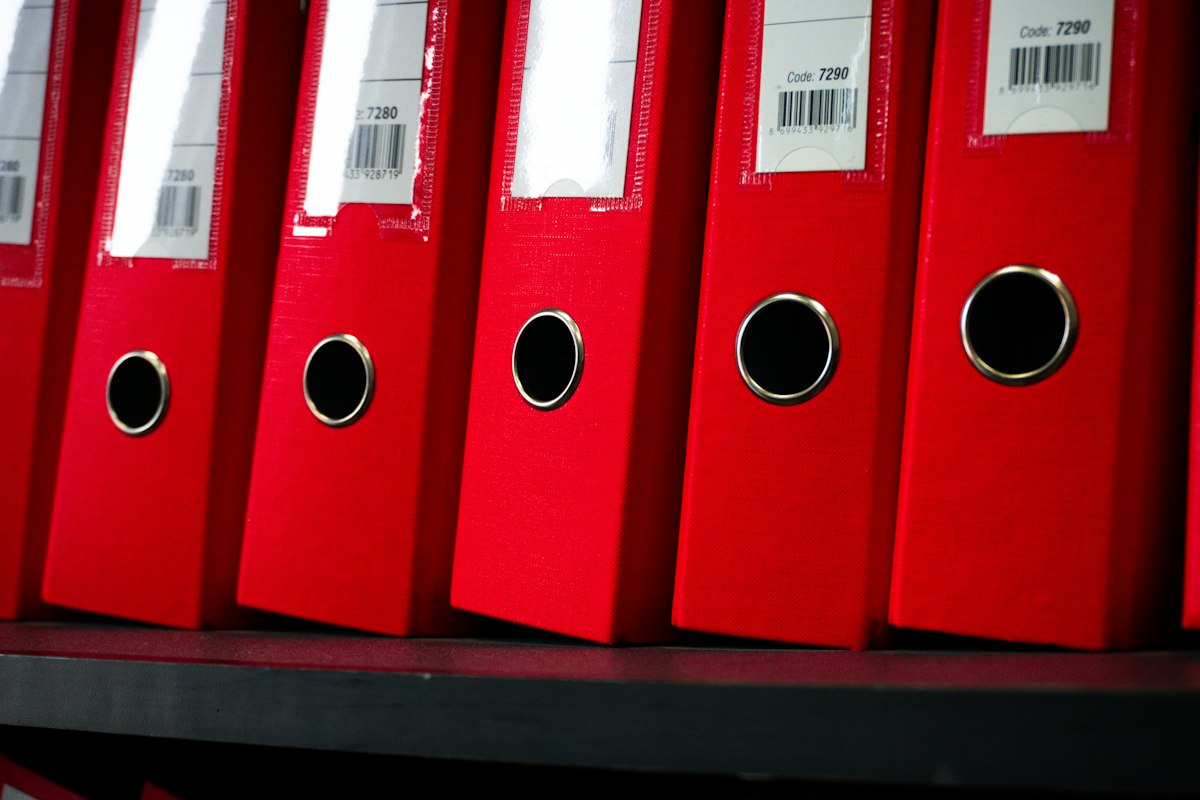
A family “red folder” gathers in one place the documents and information needed in an emergency or after a death: identity and civil-status documents, will and legal powers, insurance, financial and property records, medical information, key contacts, and access instructions. A paper folder is easy to find but easy to lose or read; a digital version should be encrypted and able to release information only to the right person at the right time. Many families keep both.
- One place beats ten — the point is that someone can find everything quickly.
- Paper is accessible but vulnerable; digital must be encrypted.
- Include contacts and instructions, not only documents.
- Review it once a year and tell someone it exists.
 Civil status & identityBirth and marriage certificates, passports, ID numbers' location.
 LegalWill, letter of wishes, powers of attorney, advance directives.
 InsuranceLife, home, health, car — policy numbers and insurers.
 FinancesBanks, investments, pensions, loans, tax references.
 PropertyDeeds, leases, co-ownership documents.
 AccessHow to reach key accounts — never in plain text on paper.
The complete checklist
- Identity documents and civil-status certificates (or where they are).
- Will, codicils, letter of wishes and where originals are held.
- Powers of attorney / protection mandates and advance directives.
- Insurance policies: life, health, home, car, borrower insurance.
- Bank, investment, pension and crypto account list (institution, country, reference).
- Loans and debts, guarantees given.
- Property deeds and leases.
- Business documents if you own a company (Founders and freelancers: what happens to your business if you’re gone tomorrow?).
- Medical information: doctors, treatments, allergies, blood group.
- Key contacts: notary or lawyer, accountant, advisor, employer, guardian of children.
- Funeral wishes (Write down your funeral wishes. It’s a gift, not a morbid chore.).
- Instructions for pets, home and vehicles.
Paper or digital?
| Paper folder | Encrypted digital vault | |
|---|---|---|
| Easy to find in an emergency | Yes, if people know where | Yes, if released to the right person |
| Safe from fire, flood, theft | No | Yes |
| Readable by anyone who opens it | Yes | No |
| Easy to update | Tedious | Minutes |
| Different content for different people | No | Yes |
| Safe for passwords and recovery phrases | No | Yes, with zero-knowledge encryption |
Your red folder, encrypted and addressed
OSTREON is a red folder that can't be stolen and knows who should open which page. Attach every document to the asset it concerns, store access details safely, and assign each part to the right person. Keep a slim paper folder for originals — and let OSTREON hold the map, the secrets and the release.
Start your free month →Frequently asked questions
What should be in a family emergency folder?
Identity and civil-status documents, will and legal powers, advance directives, insurance policies, financial and property records, debts, medical information, key contacts, funeral wishes and instructions for dependants and pets.
Should I keep important documents on paper or digitally?
Many families keep originals on paper and a complete, encrypted digital record that can be released to the right person. Never keep passwords in plain text on paper.
Where should I store my family’s red folder?
Somewhere protected and known to at least one trusted person — and, for the digital version, in an encrypted vault with conditional release such as OSTREON.
How often should I update my red folder?
Once a year and after major life events.
This article is general information, not legal, tax or financial advice. Rules differ by country and change over time — check with a qualified notary, lawyer or adviser for your situation.