
Two-factor authentication can lock your heirs out. Plan for it.
2FA is essential security — and a common reason families can’t get into anything after a death. How to keep strong authentication without leaving your heirs facing a locked phone.
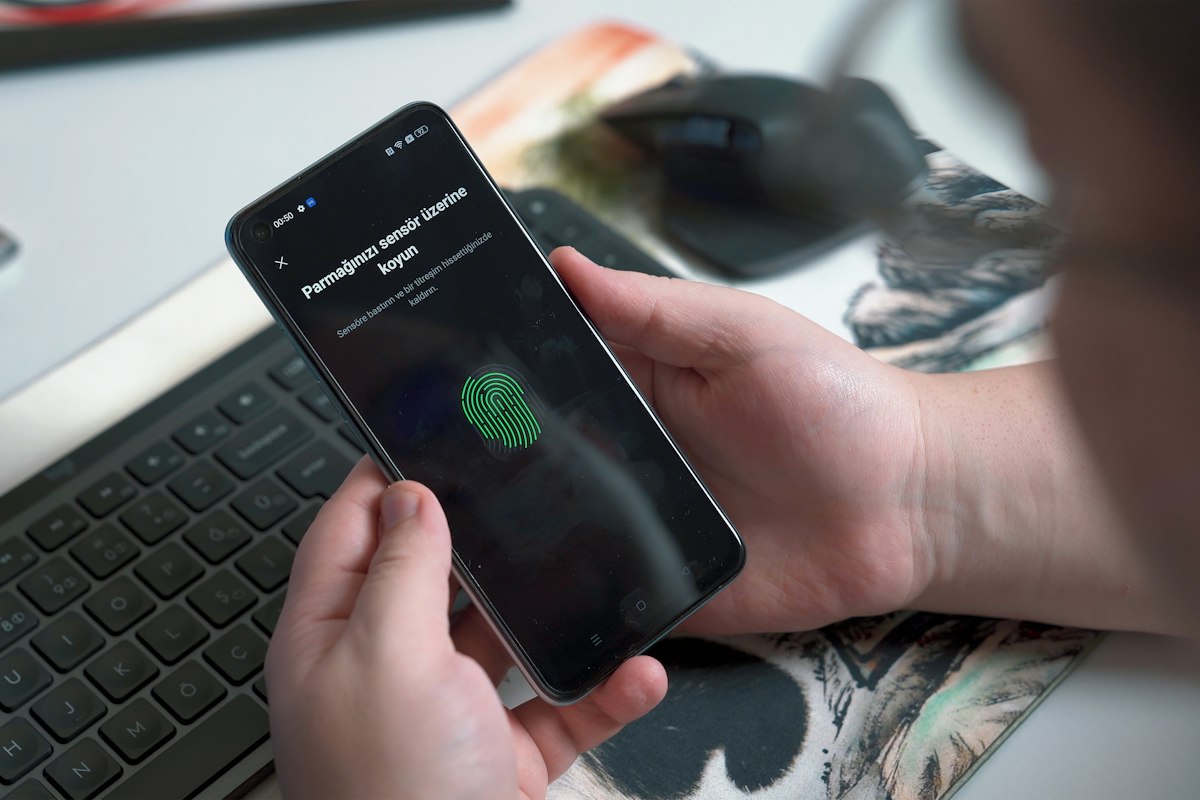
Two-factor authentication ties access to something you have — a phone, an authenticator app, a hardware key — so heirs who know a password may still be locked out. Keep 2FA on, but plan: save backup codes for key accounts, record which device and app each account uses, keep the phone number active after a death, consider a second registered hardware key, and store this information encrypted with conditional release to the person who will need it.
- A password alone no longer opens most accounts.
- Backup or recovery codes are the cleanest inheritance path for 2FA.
- The phone and SIM are often the master key: don’t let the line be cancelled.
- Store 2FA recovery data in a zero-knowledge vault, never in plain text.
Security advice has worked: millions of people now protect accounts with two-factor authentication. The unintended consequence is that after a death, a family may hold the password — on a note, in a manager — and still be unable to log in, because the second factor lives in a phone protected by a face or a fingerprint.
Where your second factors live
| Factor | Risk for heirs | Plan |
|---|---|---|
| SMS codes | Line cancelled or SIM locked | Keep the line active; record the SIM PIN/PUK location |
| Authenticator app | Codes locked in your phone | Save backup codes; consider the app's encrypted backup |
| Push approvals | Only your device can approve | Register a second device or save recovery codes |
| Hardware security key | Physical key lost or unknown | Register a second key; record where both are |
| Passkeys | Bound to your device or cloud account | Make sure the cloud account itself is recoverable |
The 30-minute fix
- List the critical accountsEmail, Apple/Google account, password manager, bank, broker, crypto exchange.
- Download recovery codesMost services offer them in their security settings.
- Record the methodFor each account: which factor, which device, which app.
- Store it safelyEncrypted, with conditional release — never on paper next to the passwords.
- Refresh on changeNew phone, new key, regenerated codes: update the record (The annual legacy check-up: a 20-minute ritual).
Families often cancel the phone contract early. Wait until access to important accounts has been sorted (The first 30 days after a death: an organiser’s timeline).
Strong security for you, a clear path for them
OSTREON itself uses MFA on every connection — so we understand both sides. Store your recovery codes and 2FA notes as an asset, encrypted on your device, assigned to the person who will manage your digital life. You keep strong authentication; they get the codes only when the time comes.
Start your free month →Frequently asked questions
Can my heirs access my accounts if I use two-factor authentication?
Only if they have the second factor or recovery codes. A password alone is often not enough.
What are 2FA backup codes?
One-time codes that services provide so you can log in if you lose your second factor. They are the simplest way to plan 2FA access for heirs.
Should my family cancel my phone line after my death?
Not immediately. The number may receive verification codes needed to access other accounts.
Where should I store 2FA recovery codes?
In an encrypted, zero-knowledge vault with conditional release, such as OSTREON — not in plain text and not next to your passwords.
This article is general information, not legal, tax or financial advice. Rules differ by country and change over time — check with a qualified notary, lawyer or adviser for your situation.